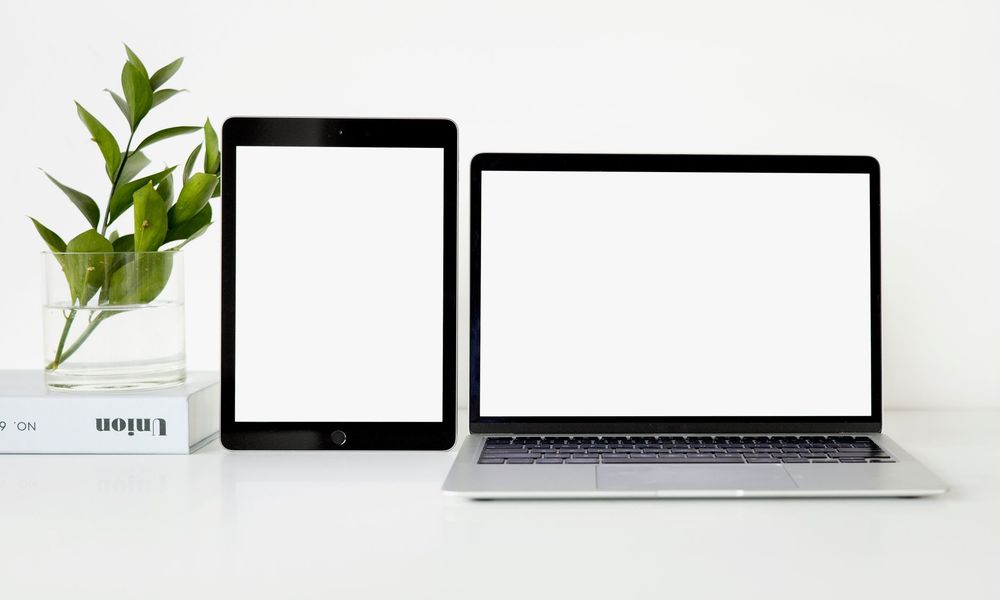

Mondial TV on all your screens: smart TV, mobile, tablet and computer
Mondial TV was designed to set up easily, whatever your equipment. Whether you watch on a big screen in the living room or on your phone on the way to work, the experience stays the same: simple, smooth and with the same login details everywhere. Here is what you need to get started on each device and make the most of your subscription.
On a connected television or set-top box
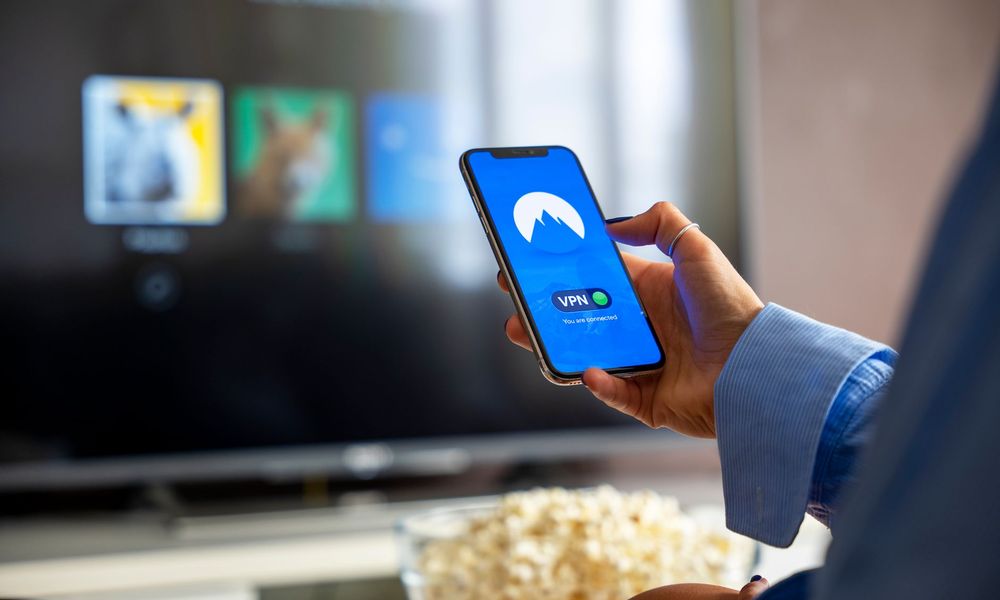
On a Smart TV or a set-top box, install the Mondial TV app from your device’s app store, then sign in with your account. Your channels appear straight away, with live TV and replay. If your television is not connected, a simple streaming device is enough to enjoy it. And if you do not have an account yet, everything starts on the Our offers page.
On Android TV and Google TV
The app is also available on Android TV and Google TV. Simply install it from the Google Play Store directly on your television or your device, then sign in. You then enjoy the whole line-up on the big screen, in optimal quality, with no extra equipment and no complicated set-up.
On mobile and tablet
On smartphone and tablet, download the app from the App Store (iOS) or the Google Play Store (Android). It is the ideal solution for watching television on the move, picking up a film you started the day before or following live TV on your commute. The app remembers your progress so you can easily find your content again from one screen to the next.

On a computer, with nothing to install
Do not fancy installing an app? Go to the Mondial TV Web TV from your usual browser, sign in, and you are away. It is the perfect solution at the office, on a laptop or on a shared computer, with no installation at all.
Up to 5 screens at the same time
The same subscription allows 5 screens at the same time. The whole family can therefore watch different programmes at once, on different devices, without getting in each other’s way. Everywhere you go you find all of our channels, replay and the catalogue of films and series, with the same ease of use.
One app, the same experience everywhere
The real comfort of Mondial TV lies in its continuity: you sign in once with your details, and you find the same interface on every device. You can start an episode on the living room television, pick it up on the tablet in the kitchen, then finish it on your smartphone on the train, without ever losing your place. That is exactly the spirit set out in our guide to watching Mondial TV on all your screens: one account, identical navigation and your content always within reach. To install or reinstall the service, the page devoted to our app lists the compatible platforms and the steps to follow.
Legal, secure streaming on every device
Adding screens should never mean adding risk. Mondial TV is a 100 % legal streaming service: you reach more than 200 French and international channels live, replay and a wide catalogue of films and series, with complete peace of mind. Payment is made securely by bank card or PayPal, your account is created automatically and your login details are sent to you by email for immediate access. If you are still weighing up a legal offer against the dubious solutions doing the rounds, our article on legal TV streaming and live channels explains clearly why legality also means quality, stability and peace of mind. A question about whether a device is compatible? The FAQ / Need help section covers the essentials.
In practical terms, that legality changes everything day to day. The streams are stable, with no random cut-outs and no link disappearing overnight, and the picture quality is there on every screen. Nor do you expose your devices to unofficial apps, which often carry intrusive advertising or risks to your personal data. With Mondial TV, a single subscription opens up live TV, replay and VOD, within a clear framework and with no nasty surprises on the bill.
Ready to start? Choose your plan
The simplest way to discover Mondial TV on your screens is to begin with the 2-week trial at €0.99: you try the whole service, with no commitment and cancellable in a few clicks. If you are already convinced, the annual subscription offers the best value for enjoying television all year round. And so that you forget nothing when you first sign in, follow our advice on getting started: subscription, sign-in and app. Within a few minutes your account is ready and you are set up on the television, the mobile, the tablet or the computer, depending on the mood of the moment.
One tip for getting started well
For the best experience, make sure you have a stable internet connection and update the app when you first install it. If you are unsure about whether a device is compatible or about signing in, the FAQ / Need help section guides you step by step. The goal always stays the same: letting you enjoy television, simply, on the screen you prefer, at home as much as on the move.
Also read
 Conseils & Astuces
 Autumn evenings: planning the perfect TV night with live TV, replay and films
Live TV, replay or an on-demand film? Our simple method for planning great autumn TV nights, alone, with the family…
Read the article Conseils & Astuces
 Box, HDMI stick or Android TV: which device to watch Mondial TV on
Smart TV, provider box, HDMI stick, Android TV, Apple TV or Web TV: our guide to choosing the right device…
Read the article Conseils & Astuces
 Watching your French channels on holiday, entirely legally
Holidays, work trips or a weekend away should never cut you off from your programmes. Here is how to keep…
Read the article