
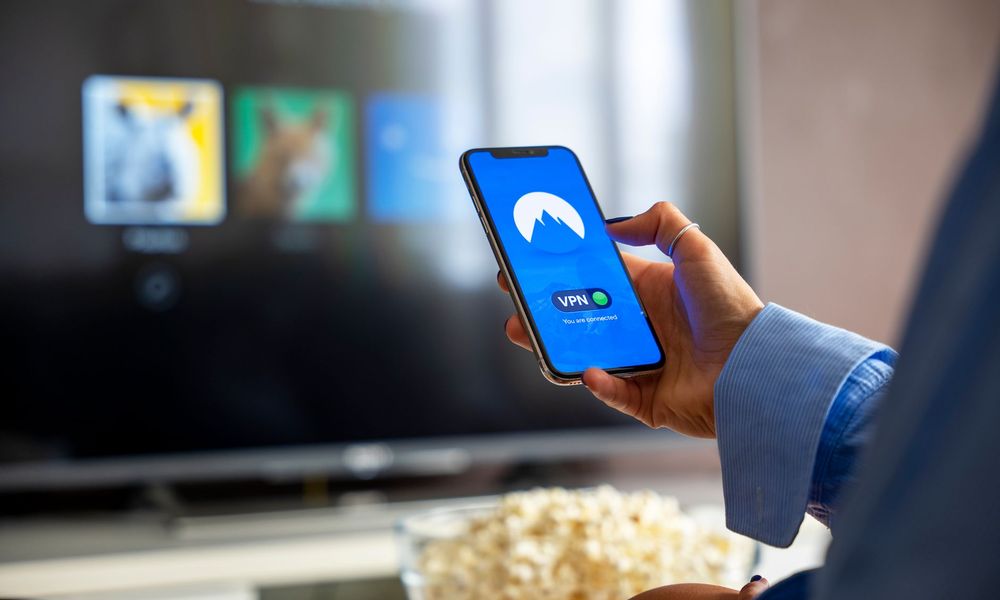

Watching Mondial TV on all your screens: TV, mobile, tablet and computer
We no longer watch television on a single screen. Between the living room television, the office computer, the tablet on the sofa and the smartphone on the way to work, our habits have become multi-screen. A good streaming service has to keep up with that reality and follow you everywhere, without complication.
This article tours the different screens on which you can enjoy your programmes, and gives a few pointers for a smooth experience on each of them. If you are new to the service, our guide to enjoying Mondial TV on smart TV, mobile and set-top box complements this perfectly, as does the page presenting our subscription offers.
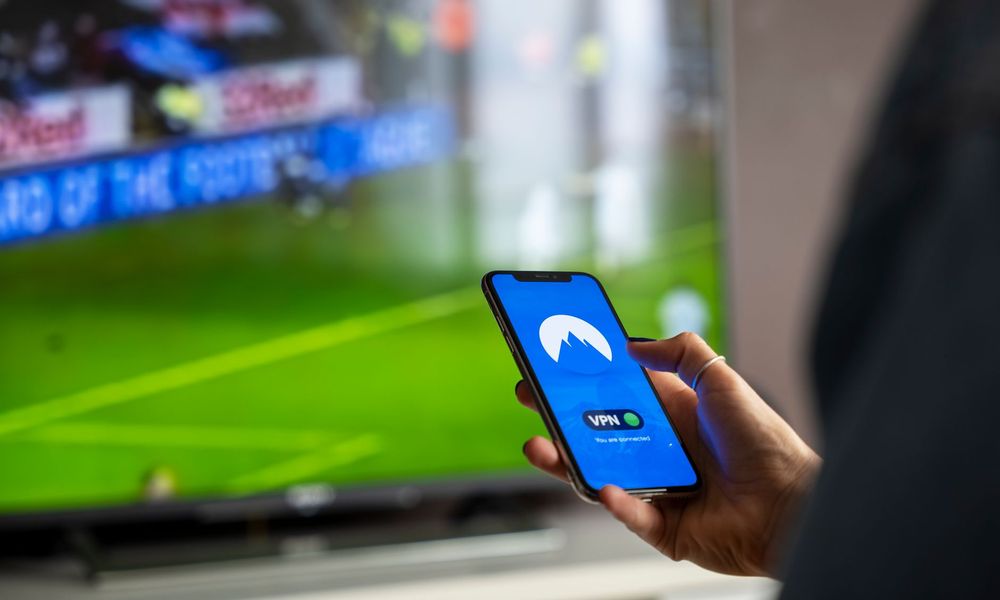
One account, several screens
The principle is simple: a single subscription and one set of login details open up access on all your devices. You sign in once, then you find your world on every screen. Some services even allow several people to watch at the same time within the household, so that everyone watches what they prefer without getting in the way.
At Mondial TV, you can therefore enjoy your programmes on the connected television, the set-top box, the computer, the tablet and the smartphone, with up to five screens at the same time in the house. Enough to leave live TV on in the living room while a child carries on with their series on a tablet, all from a single account.
Which screen should you watch on?
- The television: ideal for live TV and film nights, through a dedicated app or a connected device.
- The computer: handy at the office or when working from home, straight from the web browser.
- The tablet: the perfect companion for the sofa or bed, very comfortable to watch on.
- The smartphone: so you miss nothing on the move, on public transport or in a waiting room.

Tips for a smooth experience
A few good habits are enough to guarantee pleasant viewing. On mobile and tablet, favour Wi-Fi to save your data and enjoy better quality. Remember to keep your apps up to date, since updates fix bugs and improve performance. Finally, match the streaming quality to your connection: high definition at home, standard quality when the network is limited.
The strength of multi-screen lies in continuity: start an episode on the tablet, finish it on the television. A service designed for all your screens means the freedom to watch your programmes wherever you are, without ever breaking the thread of your viewing.
On the television: Android TV, Apple TV and set-top boxes
The big screen in the living room remains the favoured place for film nights and live matches. On a connected television, you install the Mondial TV app like any other streaming app, then sign in with your usual details. On models compatible with Android TV and Apple TV, or through a set-top box, setting up takes a few minutes and you find your channels and your catalogue straight away.
Once the app is open, everything is controlled comfortably from the remote: browsing the live channels, reaching replay and playing films and series in high definition. To prepare your first use in the best conditions, the article “getting started with Mondial TV” covers subscribing, signing in and installing the app step by step.

The Web TV: watching with nothing to install
Are you on a computer that is not yours, or would you rather not install anything? The Web TV lets you watch straight from your browser, on PC as well as Mac. You open the page, you sign in, and you reach live TV as well as the catalogue, with no download. It is the quickest solution for unplanned viewing during a break or while working from home.
That flexibility extends to replay too: you can start a programme live on the television, then pick it up later in the browser. To learn all about watching at your own pace, find out how to enjoy films and series on replay whenever it suits you.
Viewing that is 100 % legal, on every device
Moving from one screen to another should never mean risk or nasty surprises. Mondial TV is a fully legal streaming service: payment is made securely by bank card or PayPal, your account is created automatically and your login details are sent to you by email for immediate access. You enjoy the same peace of mind whether you watch on the television, the tablet or the smartphone.
The subscription is commitment-free and can be cancelled in a few clicks. To try the service on all your screens, the discovery offer at €0.99 for two weeks is a good starting point, and the FAQ answers most practical questions about signing in and the number of screens.
Frequently asked questions about multi-screen viewing
Can I watch on several devices with one account? Yes. Your single set of login details opens up access on all your screens, and there is no need to create a different account for each device. Depending on the offer chosen, several people can even watch at the same time within the household.
Do I have to install an app? On a computer, access is straight from the browser, with nothing to install. On mobile and tablet, a dedicated app offers a smoother experience and handy touch controls. For the television, installing the corresponding app lets you enjoy the big screen in the best conditions.
How can I protect quality and my data? At home, favour a stable connection to enjoy high definition. On the move, Wi-Fi remains preferable to mobile data, and it is always possible to adjust the streaming quality to avoid interruptions when the network is limited. These few habits are enough to guarantee a pleasant experience, whichever screen you use.
Going further: our channels, our films & series.
Also read
 Conseils & Astuces
 Watching your French channels on holiday, entirely legally
Holidays, work trips or a weekend away should never cut you off from your programmes. Here is how to keep…
Read the article Conseils & Astuces
 Setting up your Smart TV for streaming: the simple guide
Wi-Fi, app, sign-in, picture quality and troubleshooting: a step-by-step guide, without jargon, to get your connected television ready in a…
Read the article Conseils & Astuces
 Mondial TV on all your screens: smart TV, mobile, tablet and computer
The same login details everywhere, up to 5 screens at once and nothing to install on a computer. Here is…
Read the article